How do I activate Stat/Transfer?
Activating Stat/Transfer
Go to the "About" tab and click the "Activate Online" button.

Paste your activation code.

NOTE: If your computer is not connected to the internet, you will see a different screen. WHAT TO DO.
Enter your information and click the "Next" button.

Select a password.
NOTE: This password will be visible to Circle Systems support staff. For your privacy, do not pick a valuable password. Don't use the password you use for your bank or your email.
Choose a computer name
This is a name that you make up, and is only used within Stat/Transfer. You should choose a computer name that will clearly identify your computer, such as "laptop" or "office." This name must be under 32 characters. Each of your computers must have a unique name. Once the computer is activated, you will not be able to change the name.
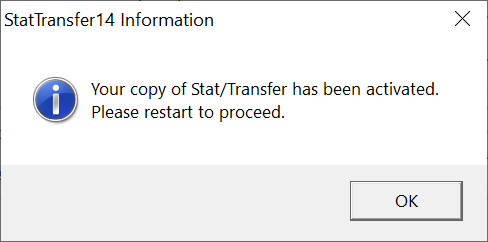
Click "Finish"